


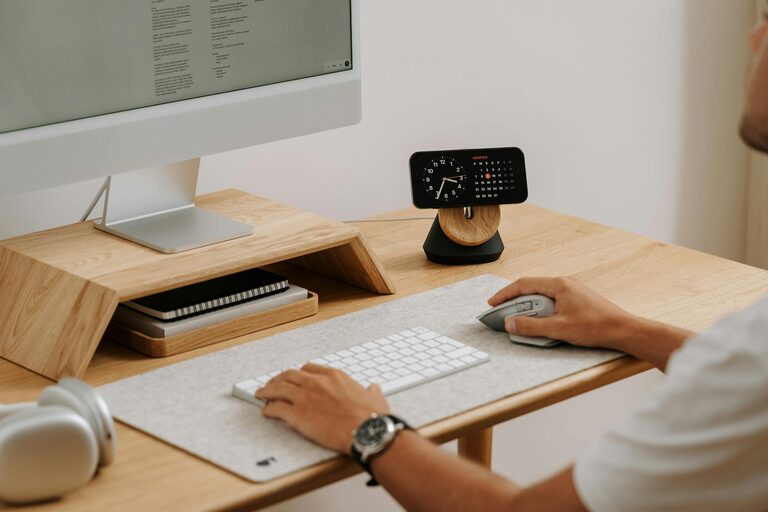
Creating a productive home workspace is essential for anyone working remotely or managing tasks from home. A well-designed environment can increase focus, reduce distractions, and help you maintain a healthy work-life balance. Whether you have a dedicated room or a small corner, there are ways to optimize your workspace for better efficiency and comfort. This guide will walk you through practical tips to help you set up a home office that supports your productivity.
Choose the Right Location
Find a Quiet, Low-Traffic Area
Select a spot in your home where you are least likely to be disturbed. Avoid high-traffic areas such as the kitchen or living room if possible. A quiet space encourages concentration and reduces interruptions.
Consider Natural Light
Position your workspace near a window if you can. Natural light helps reduce eye strain and has been shown to improve mood and energy levels. If natural light is limited, invest in good-quality artificial lighting to keep your workspace bright and inviting.
Invest in Comfortable and Functional Furniture
Select an Ergonomic Chair and Desk
Comfort is key when spending long hours at your desk. Choose a chair that supports your lower back and allows you to sit with good posture. The desk should be at a height where your arms can rest comfortably while typing or writing.
Keep Essentials Within Reach
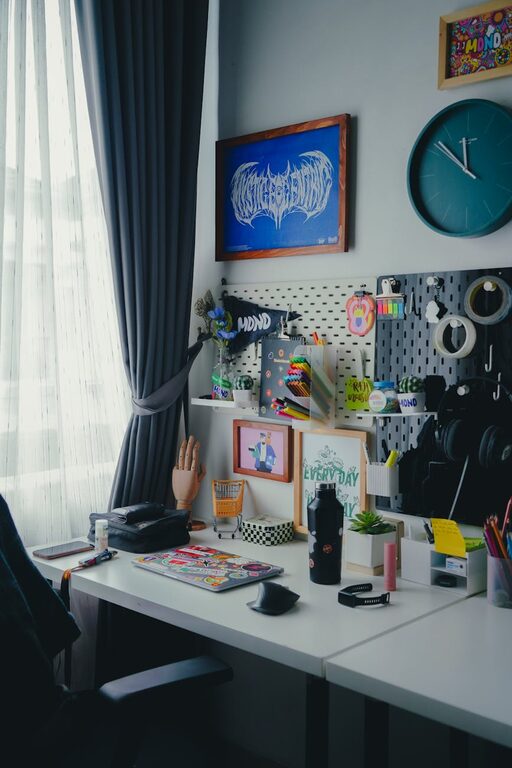
Arrange your desk so that frequently used items, like pens, notebooks, or your computer, are easily accessible. This reduces unnecessary movement and helps maintain focus.
Organize Your Space Efficiently
Declutter Regularly
A tidy workspace can clear your mind and reduce stress. Set aside time weekly to organize and remove items you no longer need on your desk.
Use Storage Solutions
Incorporate shelves, filing cabinets, or desk organizers to keep documents and supplies neatly stored. This will help prevent piles of paper or miscellaneous items from accumulating.
Minimize Distractions
Manage Noise Levels
If noise is an issue, consider using noise-canceling headphones or white noise machines. Alternatively, soft background music can sometimes improve concentration, but keep it low and instrumental to avoid distraction.
Limit Digital Interruptions
Turn off non-essential notifications on your computer and phone during work hours. You can also use apps that block distracting websites when you need to focus.
Establish a Routine and Personalize Your Space
Set Regular Work Hours
Keeping consistent start and end times enhances productivity and helps separate work from personal life. Create a “start-work” ritual, like making a cup of coffee or reviewing your to-do list, to signal the beginning of your workday.
Add Personal Touches
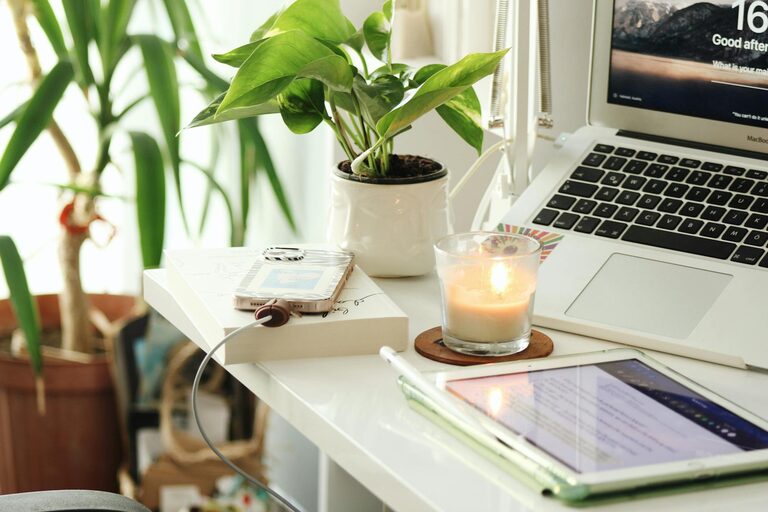
Decorate your workspace with items that inspire you, such as plants, artwork, or photographs. Personalizing your area can make it more inviting and boost your motivation.
Maintain Good Posture and Take Breaks
Practice Healthy Sitting Habits
Adjust your chair and monitor so that your feet rest flat on the floor, your back is supported, and your screen is at eye level. This helps prevent fatigue and physical strain.
Incorporate Short Breaks
Use techniques like the Pomodoro method (working for 25 minutes, then taking a 5-minute break) to maintain focus and give your eyes and body a rest.
Utilize Technology Wisely
Choose the Right Equipment
Make sure your computer, keyboard, and mouse are comfortable and efficient. A second monitor can also increase productivity if you often multitask.
Enhance Connectivity
A reliable internet connection is essential for remote work. Invest in a good router or use a wired Ethernet connection to avoid interruptions.
—
By implementing these tips, you can create a home workspace that supports focus, comfort, and efficiency. Remember that productivity isn’t just about the space but also about how you use it. Tailor your environment to fit your needs and enjoy the benefits of working from home with greater ease and satisfaction.